
Category: How-to

How to tell if your phone has been hacked
Signs your phone has been compromised, and what to do about it…
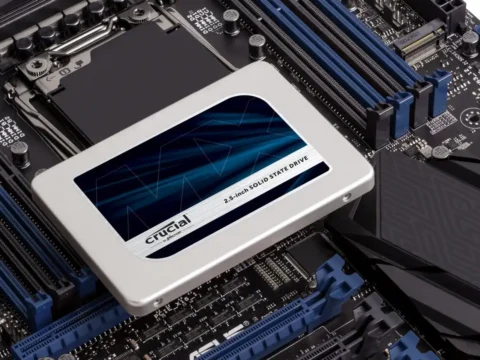
How to Check SSD Health in Windows 10 and Windows 11
Find out how many writes your SSD has left…

How to stop Alexa, Google, and Siri from listening to everything you say
There are settings for Alexa, Google Assistant, and Siri to stop them from listening to everything you say…

How to use personal photos for your Windows 11 background
Say goodbye to those stale stock photo backgrounds…

Ransomware Is on the Rise: 10 Steps for Defending Your Business
As ransomware groups grow bolder, their demands get bigger. We show you how to protect your business from a ransomware attack before it hits…
How to protect your privacy in Windows 11
Windows 11 gathers more information than some people would like. Here are several steps you can take to keep that information private…

How to control your smart home without yelling at a dumb voice assistant
You can have nice, automated things without learning how to shout at speakers…

This fun Windows mouse trick instantly hides all inactive windows
You can also use an equally quick keyboard shortcut instead…

10 Easy Tips and Tricks for Better Smartphone Photos
For many, phones have completely replaced dedicated digital cameras, but even pros reach for their iPhones or Samsung Galaxy phones to snap images from time to time. Here’s how to take better pics with your smartphone…

How to clear the cache on your Android phone or tablet (and why you should)
Make this process part of your Android maintenance routine…

Stay Informed: How to View Photos of Your Snail Mail Before It Arrives
Is the check really in the mail? Sign up for Informed Delivery with the US Postal Service and get a digital preview of your letters and packages before they reach your mailbox…
How to Stop Apps From Hogging Your Windows 11 Disk Space
There’s an easy way to recover disk space from greedy Windows apps…