
Category: How-to

10 tricks to use Google Search more efficiently
Find what you need faster with these tips!…
Hands on: How to use Bing Chat within Windows 11
It’s more like a shortcut than an integration, but it’s still pretty useful…
How to stop annoying Google sign-in pop-ups on every website
You can prevent Google from putting up those annoying sign-in pop-ups…
25 Google Maps Tricks You Need to Try
Google Maps is the Swiss Army Knife of apps, chock-full of navigation, geospatial-search, and customization tools. These tips and tricks will help you unlock its full potential…
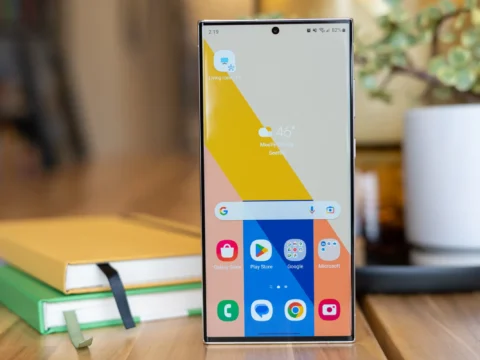
All the Settings You Should Change on Your New Samsung Phone
There are too many great features turned off by default. Rectify that with these tips…

Find My Android: How to Locate Your Lost Smartphone
Your phone contains a lot of personal information, so you don’t want it falling into the wrong hands. Here’s how to locate an Android phone using options from Google and Samsung…

Chrome 110 will automatically discard background tabs. Here’s how to stop it.
“Memory Saver” will discard and reload idle tabs, which could erase your tab state…

The best secret Android settings, and how to enable them
Get useful information within seconds with these codes…

12 ways to speed up Windows 11
Windows 11 is generally faster than Windows 10, but that doesn’t mean it couldn’t be better. Try these tips to speed up and stabilize your Windows 11 PC…

Lock It Down: How to Use 2FA on Twitter Without Paying for Twitter Blue
Twitter is discontinuing SMS-based 2FA for everyone except Twitter Blue members. Here’s how to switch from text-based multi-factor authentication to an app or security key…

This Microsoft Edge feature drives me insane. Luckily there’s a fix
Here’s how to keep browser tabs from appearing when you Alt + Tab…

10 cheap or free ways to make your old PC run faster
If your old workhorse of a PC is starting to slow down in its old age, these low (or no-) cost tricks can help put some pep in its processing step…