
Category: How-to
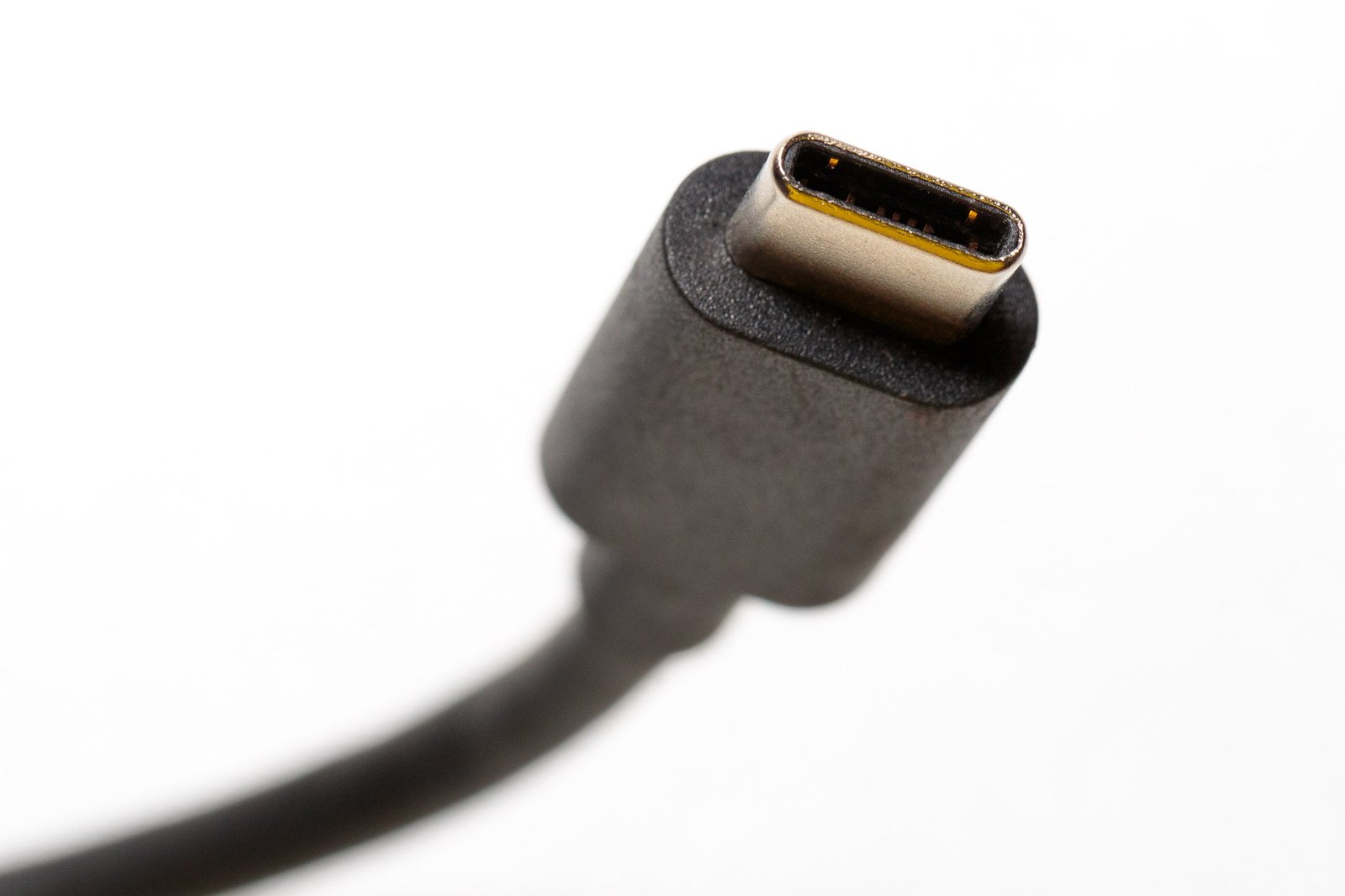
What to Do If Your USB Port Stops Working
Has charging stopped? Are you no longer able to use your mouse? If there’s something wrong with your USB ports, there are several ways to narrow down and fix the problem…

How to use ChatGPT and Bing’s AI-powered search on a Chromebook
Super-charged search results…

How to set up Windows 11’s family safety feature
Need to manage screen time? We’ve got you covered…

How to replace Windows with Linux Mint on your PC
Sick of Windows? Want to try something different? Then it’s time to try the best Linux desktop: Linux Mint 21.1…

How to install Linux on an old laptop
If you’re looking to revive that aging laptop, Linux might be your best bet. Find out how easy it can be to make this happen…
How to Enable Internet Explorer Mode in Windows 11
Need Internet Explorer for an old web app? IE is now officially gone, but you can still run legacy sites thanks to IE mode in Microsoft Edge…

How to Avoid Scammers on Social Media
Today is Social Security’s Slam the Scam Day: Learn how to recognize the most common scams and protect your personal data on Facebook, Instagram, and other social platforms…

Plagued by slow internet? Try these 11 ways to speed up your connection
Slow connections are the bane of anyone working, studying, or trying to stay entertained at home. Here’s how to fix the most common issues…

8 ways Microsoft’s free PowerToys make your life easier
This collection of free utilities for Windows are a toolbelt to accomplish common tasks…

5 free Windows power user tools we can’t live without
Swap audio devices with ease, free up space in a flash, or even reprogram your keyboard…
How to Send and Receive Files via Bluetooth in Windows
Convenient and easy file transfers between phone and PC…

How to Set a Custom Ringtone Once and for All
You can use whatever sound you want for when your phone rings—but phones make it hard. Here’s how to get around it…