
Category: How-to
5 Gmail settings I always change (and 3 more I turn off)
I don’t need grammar suggestions, thanks…

How to use ChatGPT to write an essay
Using ChatGPT can improve your writing process. Here’s how…
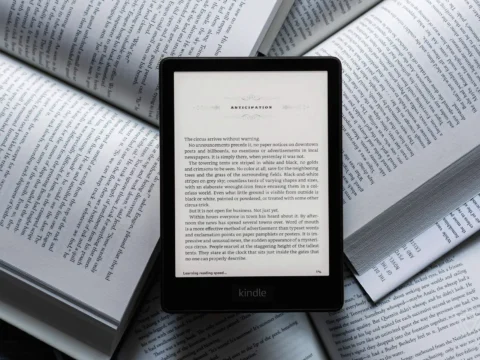
How to Put Free Ebooks on Your Amazon Kindle
Your Kindle isn’t just restricted to reading books from Amazon. Here’s how to convert various other ebooks formats for the Kindle, and where to get free ebooks…

How to send large files in Gmail — up to 10GB!
If you’ve ever had to send a large file via Gmail, you’ve probably run into the 25MB file size limitation. Here’s how to get around that…

How to use Gmail labels to tame your inbox
Gmail labels can serve as your secret weapon against inbox chaos. Here’s how to tap into their full potential…

Bring back Windows 11’s missing features with this awesome free app
This free program restores Windows’ taskbar labels and more…

Phishing FAQ: How to Spot Scams and Stop Them in Their Tracks
Don’t become bait. Save yourself a headache by thinking before you click…

12 Simple Things You Can Do to Be More Secure Online
Follow these easy tips to protect the security of your devices, your data, your internet traffic, and your identity…

How to Disable Your Laptop’s Touch Screen in Windows 10 and 11
Disabling your laptop’s touch screen is just a few clicks away…

How To Create Your Own Auto-GPT AI Agent
Create an AI agent that works from a set of goals…

Better Than Chrome: 21 Hidden Tricks Inside Microsoft’s Edge Browser
Replacing the now defunct Internet Explorer as the default browser in Windows, Edge offers a host of helpful features. Here’s how to get the most out of them…
How to avoid ChatGPT and Google Bard malware attacks
Europol is worried that hackers can use generative artificial intelligence (AI) services like ChatGPT and Google Bard to code malware and other fake apps…