
Category: How-to

Gmail is flooding inboxes with ads – here’s how to get rid of them
Google appears to have kicked the Gmail ads operation into high gear…
How to Fix a Windows Blue Screen of Death (BSOD)
Find out why you got a BSOD and how to stop it…

Speed up Google Chrome: 9 tips and tweaks
We have the technology. We can make Chrome better than it was before…

How to Trim Your SSD and Defrag Your Hard Drive in Windows
Having computer problems? Here is how to defragment a hard drive or trim an SSD in Windows so you can get your PC back in working order…
13 free tips to make your Windows PC run faster
It’s time to roll up your sleeves and optimize your PC with some spring cleaning…
How to use Google Maps to measure the distance between any two places
The feature is built into both the desktop and mobile versions of the app…
How to Increase Laptop Battery Life
Even the longest-lasting laptop batteries will die eventually. Here’s everything you need to know to maximize the amount of time between visits to the power outlet…

How to Remove Your Personal Info From Google’s Search Results
Maybe you don’t want your phone number, email, home address, and other details out there for all the web to see. Here’s how to make them vanish…
How to tweak Windows to ease your tired eyes
Make it easier to work within Windows with these visual tweaks…
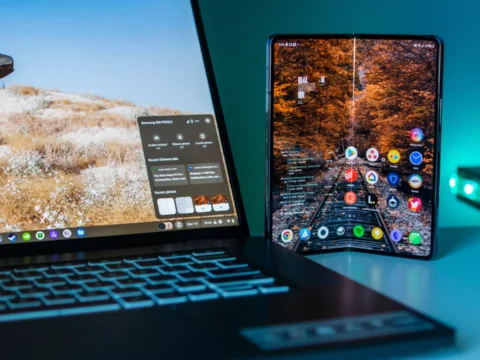
How to stream apps from your phone to your Chromebook
This could change the way you use your Chromebook and phone…
How to make Windows 11 look like Windows 10
Windows 11 gives Microsoft’s operating system a bold new look, but you can still make it feel (mostly) familiar…

How to securely erase your hard drive or SSD
Ensure that the data on your old drives is safe from prying eyes…