
Category: How-to

How to enable Linux on your Chromebook (and why you should)
Want to get more from your Chromebook? Add Linux support!…

Use virtual desktops in Windows 10 and 11 to help you stay more organized
Use a virtual desktop in Windows to save space and organize your work…

Better Safe Than Sorry: How to Run a Security Checkup on Your Google Account
Concerned about the wrong person grabbing unauthorized access to your Google account? You can run a security check to make sure it’s as safe and secure as possible…
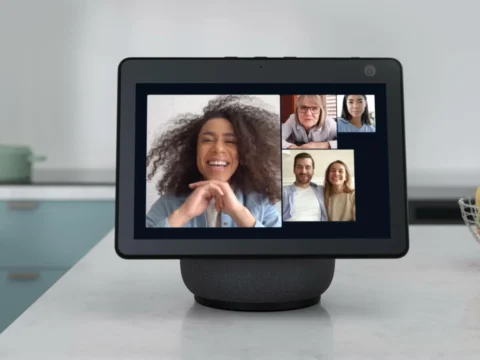
Just Drop In: How to Call Someone From Your Amazon Echo
You can make phone calls from an Echo device or the Alexa app, giving you hands-free options for calling family, friends, and other people…

10 Common Problems With Microsoft OneDrive and How to Fix Them
Microsoft OneDrive doesn’t always behave itself, but you can get the file-backup and synchronization service back on track if you know the right tricks…

How to make your Pixel phone automatically decline robocalls
Are you inundated with spam calls on your Pixel phone? Here’s how enabling these two settings can help…

Better Safe Than Sorry: How to Run a Security Checkup on Your Google Account
Concerned about the wrong person grabbing unauthorized access to your Google account? You can run a security check to make sure it’s as safe and secure as possible…

How to sign up for Amazon’s invite-only Prime Day deals
Amazon is previewing some tempting Prime Day deals, but they’re by invitation only. We’ll walk you through what that means and how you can sign up to be on the list…

How to tell everyone on Gmail if you’re in — or not
You can set Google’s chat status to tell everyone you’re here or that you want to be left alone…

How to switch off Windows’ search history
Get rid of those unwanted ads and search suggestions in Windows…

How to resolve a number of Firefox problems with a refresh
If the Firefox web browser is giving you trouble, one surefire way of fixing the issue is to reset it back to factory defaults…

How to reset the Opera web browser (and when you should)
The Opera web browser makes it easy to reset, should things go awry…