
Category: How-to
Avoid the Scammers: 12 Tips for Public Wi-Fi Hotspot Security
Public Wi-Fi hotspots can be a hacker’s paradise. Following these basic security tips can mean the difference between safe surfing and an ID theft or data-loss nightmare…

Windows includes built-in ransomware protection. Here’s how to turn it on
Be sure to enable automatic backups, too…
Gmail: How to schedule emails to send at specific times
The Nudgemail smart service is going away, but there are other ways to send yourself reminders at the times you want. Here’s how to do it in Gmail…

Change these 5 Windows settings to improve your data privacy
A tale of five switches…

Windows-as-a-nuisance: How I clean up a “clean install” of Windows 11 and Edge
Tips and tricks for making Microsoft leave you alone while you use your PC…
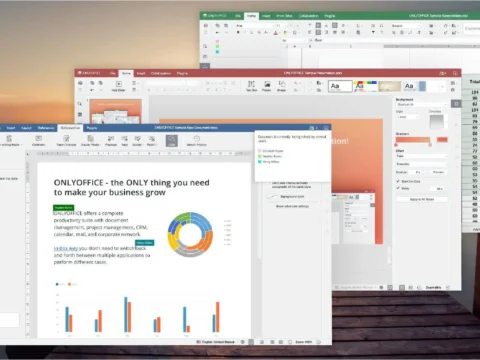
Meet Only Office: This free Microsoft Office rival is delightfully robust
Only Office is not only free, the competitor to Microsoft, Libre, and Open Office also works extremely quickly. Versions for all platforms enable teamwork and are easy to use…

How to Play Games on Your Chromebook
Chromebooks are far less powerful than traditional gaming PCs, but there are ways to game on ChromeOS machines, even after the failure of Google’s own cloud gaming platform…
How do I remove malware from my PC?
Removing malware from your PC could be simple – or not. Here’s everything you need to know…
14 Windows tools and tricks that save you serious time
From time to time Windows needs some extra attention. These tools help to minimize the effort so you can concentrate on the really important things…

Sick of Outlook? It’s the perfect time to try Thunderbird again
Are you looking for a modern and powerful email client? We recommend you take a look at the new Thunderbird with Supernova interface…

How to protect your digital accounts from hackers
Social media, email, retailers, service providers, insurance. For most people, the list of important online accounts is long. Here’s how to keep them safe — and regain control when you’re hacked…
How to calibrate Google Maps to make it more accurate
Navigation apps like Google Maps only work as intended if the device you’re using does one basic thing well: locate you, the user, accurately…